


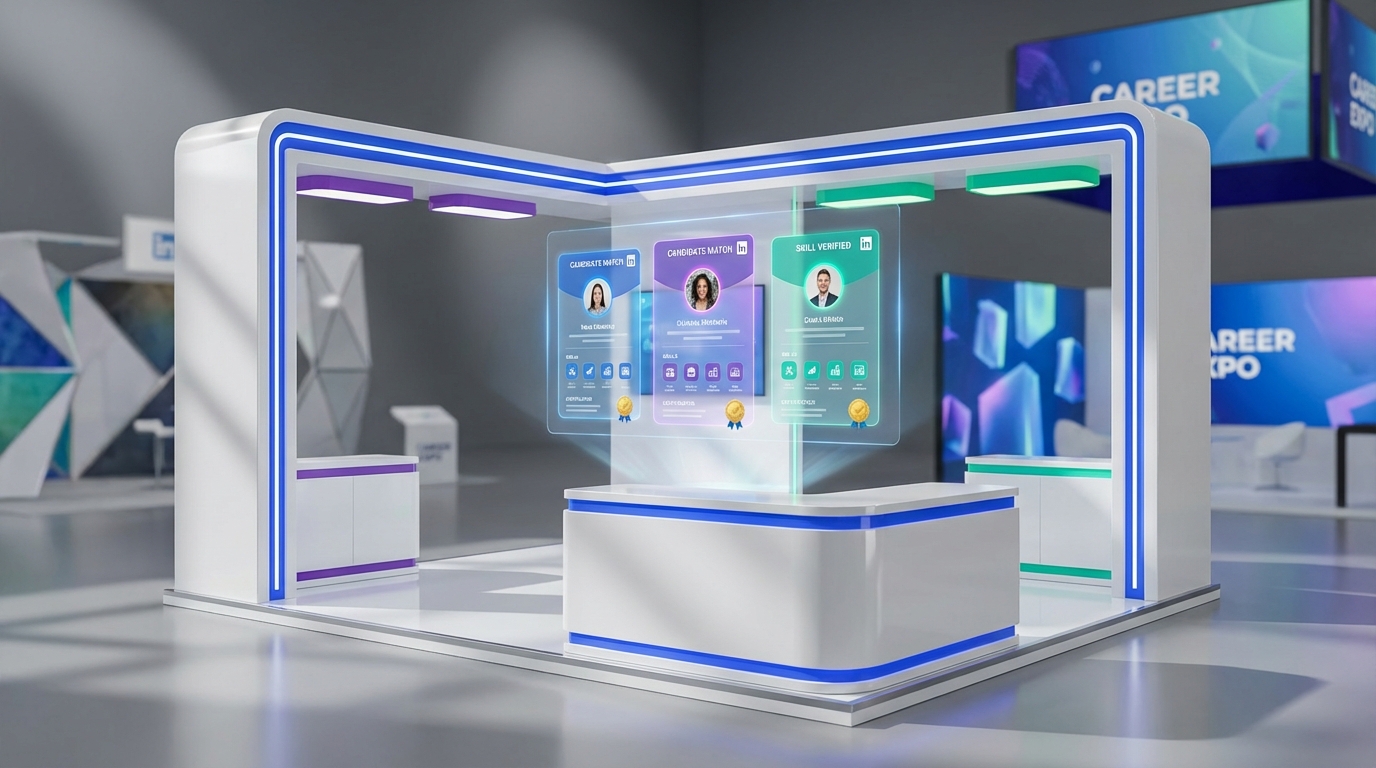
The best recruiting tools are the ones that help you identify motivated, skilled candidates quickly and follow up consistently. In a real job fair setting in Kitimat, British Columbia, I saw how a sudden employer shutdown can push hundreds of people into the market at once, and how the strongest candidates stand out through skills, attitude, and a clear plan for education and certification. To handle that volume without losing quality, we use a simple stack: structured intake and screening, skills and credential tracking, and automated outreach. In particular, StrategyBrain AI Recruiter fits well when LinkedIn is part of your sourcing plan because it automates connecting, role introduction, Q and A, interest confirmation, and résumé plus contact capture, including 24/7 multilingual communication.
Table of Contents
- What the Kitimat job fair taught us about candidate quality
- What we mean by “best recruiting tools” in 2026
- A practical recruiting workflow you can copy
- Tool categories that matter most
- Where StrategyBrain AI Recruiter fits for LinkedIn hiring
- Quick comparison by hiring scenario
- Copyable evaluation checklist
- FAQ
- Conclusion and next steps
What the Kitimat job fair taught us about candidate quality
In late November 2009, a career fair in Kitimat, BC brought together workers impacted by a pulp mill shutdown planned for January 2010. Closures like this are hard on families and communities, but what stood out to me was the caliber of the people showing up. Many were skilled, positive, and focused on long term employability.
The roles represented included Heavy Duty Mechanics, Industrial Instrument Mechanics, Power Engineers, Maintenance Planners, Maintenance Supervisors, and Industrial Engineers. The most promising candidates were not only experienced, they were actively investing in education and certification. I spoke with Power Engineers working toward 2nd class and 1st class papers, and apprentices finishing their last year before writing a Red Seal exam.
This matters for tool selection because the “best recruiting tools” are not just databases. They are systems that help you capture signals like credentials in progress, learning mindset, and readiness to move, then turn those signals into fast, respectful follow up.
What we mean by “best recruiting tools” in 2026
For this guide, “best recruiting tools” means tools that improve outcomes across three measurable stages: sourcing, qualification, and conversion. Sourcing is how you find candidates. Qualification is how you confirm interest and collect the right information. Conversion is how you move qualified people into interviews without delays.
Two definitions we will use throughout:
- Qualification: confirming a candidate’s willingness to proceed and collecting the information needed for a recruiter to make a decision, such as résumé and contact details.
- Diversity recruiting platforms: systems designed to broaden reach and reduce bias in sourcing and screening, often through structured workflows, inclusive job distribution, and reporting.
Scope boundary: this article focuses on recruiting operations and tooling choices, including technical recruiting diversity sourcing. It does not provide legal advice, and it does not claim any single tool guarantees compliance or hiring outcomes.
A practical recruiting workflow you can copy
When candidate supply spikes, the failure mode is predictable: slow follow up, inconsistent screening, and lost résumés. The workflow below is what we use to keep quality high while moving fast.
Step by step workflow
- Standardize intake: capture role, location, shift, compensation range, and must have certifications in a single form or ATS intake screen.
- Tag skills and credentials: record trade, ticket level, apprenticeship year, and exam plans. For example, “Power Engineer 2nd class in progress” or “Red Seal exam scheduled.”
- Run a two layer screen: first confirm interest and availability, then do recruiter review of résumé fit.
- Automate outreach where it is safe: use automation for initial contact and follow up, but keep recruiter control over final selection.
- Close the loop: every interested candidate gets a next step within 24 hours, either interview scheduling or a clear update.
Why this works in trades and technical hiring
At the Kitimat fair, the strongest candidates were already thinking in systems: education, certification, and progression. Your recruiting system should mirror that. A tool stack that tracks credentials and keeps follow up consistent is a better fit than a stack that only optimizes for volume.
Tool categories that matter most
Instead of naming dozens of products without evidence, we recommend evaluating tools by category. This keeps the guidance durable and reduces the risk of choosing a tool that looks good in a demo but fails in day to day recruiting.
1) ATS for intake, compliance, and reporting
- Best for: structured intake, pipeline stages, hiring team collaboration, audit trails.
- What to look for: custom fields for certifications, bulk actions, email templates, and clean exports.
- Limitations: ATS systems often do not solve outbound sourcing and follow up speed on their own.
2) Candidate CRM for relationship management
- Best for: nurturing passive talent, re engaging past applicants, segmenting by skill and location.
- What to look for: segmentation, sequences, and consent management.
- Limitations: without a strong sourcing channel, a CRM can become a database that no one uses.
3) Diversity recruiting platforms for broader reach
- Best for: expanding top of funnel reach and adding structure to reduce inconsistent screening.
- What to look for: inclusive job distribution, structured scorecards, and reporting that hiring leaders actually review.
- Limitations: diversity outcomes depend on process discipline, not just tooling.
4) Sourcing and outreach automation for speed
This is where many teams win or lose. If your recruiters spend hours connecting, introducing roles, answering repeated questions, and chasing résumés, you need automation that still preserves a professional candidate experience.
Where StrategyBrain AI Recruiter fits for LinkedIn hiring
StrategyBrain AI Recruiter is designed for LinkedIn hiring workflows where the bottleneck is repetitive outreach and early stage qualification. In our experience, it is most useful when you have clear search criteria and a defined role brief, and you want consistent follow up without adding headcount.
What it automates
- Connecting and introducing roles: automatically connects with candidates that match your targeted search criteria and introduces the opportunity.
- Two way Q and A: answers questions about the role, company, and compensation using the information you provide.
- Interest confirmation: confirms whether the candidate wants to proceed to an interview process.
- Résumé and contact capture: collects résumés and contact details from interested candidates, including email submissions and LinkedIn file uploads.
- 24/7 multilingual communication: responds and follows up in the candidate’s native language across time zones.
- Team scaling: supports managing more than 100 LinkedIn accounts for organizations building an AI powered recruiting team.
Operational results and realistic boundaries
StrategyBrain AI Recruiter is positioned to replace up to 90% of manual LinkedIn recruiting work for the initial outreach and qualification stage, and it is described as lowering LinkedIn recruiting costs to as little as USD 2.40 per résumé. Those outcomes depend on your role clarity, search criteria quality, and how consistently you review and act on the shortlisted candidates.
Important limitation: it does not decide whether a résumé fully matches job requirements. Recruiters still do the final qualification after reviewing the résumé, which is the right boundary for most teams that care about quality and fairness.
Privacy and security notes
According to the product information provided, StrategyBrain AI Recruiter states it supports privacy regulation compliance in the EU, United States, and Canada, does not use customer provided data to train AI models, and encrypts LinkedIn credentials with customer isolated storage. Treat this as a starting point for your own security review, including vendor questionnaires and internal approvals.
Quick comparison by hiring scenario
| Scenario | Primary need | Best recruiting tools to prioritize | Why it helps |
|---|---|---|---|
| High volume event hiring | Fast follow up and clean intake | ATS plus outreach automation | Prevents résumé loss and reduces response delays |
| Trades and industrial roles | Credential tracking | ATS custom fields plus structured scorecards | Makes certification progress visible and comparable |
| Technical recruiting diversity sourcing | Broader sourcing and consistent screening | Diversity recruiting platforms plus structured interviews | Expands reach while reducing inconsistent evaluation |
| LinkedIn heavy sourcing | Automated outreach and qualification | StrategyBrain AI Recruiter plus ATS | Automates connect, messaging, Q and A, and résumé capture |
| Global hiring across time zones | Always on candidate communication | StrategyBrain AI Recruiter multilingual messaging | Reduces drop off caused by slow replies |
Copyable evaluation checklist
Use this checklist to evaluate any recruiting stack. It is designed to be practical for teams hiring skilled trades, industrial roles, and technical positions.
- Intake: Can we capture certifications, apprenticeship year, and exam plans as structured fields?
- Speed: Can we respond to interested candidates within 24 hours, including nights and weekends?
- Consistency: Do we have standardized outreach messages and structured scorecards?
- Candidate experience: Can candidates ask questions and get accurate answers about role, company, and compensation?
- Data capture: Are résumés and contact details captured reliably and attached to the right profile?
- Scale: Can we expand outreach capacity without adding recruiters, for example by using AI assisted automation?
- Governance: Do we have privacy, security, and consent controls that match our region and policies?
FAQ
What are the best recruiting tools for high volume hiring?
The best recruiting tools for high volume hiring combine an ATS for structured intake with automation for outreach and follow up. This reduces delays, prevents lost résumés, and keeps the pipeline organized when hundreds of candidates apply at once.
How do diversity recruiting platforms fit into a modern recruiting stack?
Diversity recruiting platforms are most effective when they are paired with structured screening and consistent interview scorecards. They can broaden reach and improve process consistency, but outcomes still depend on disciplined execution by the hiring team.
What is technical recruiting diversity sourcing in practical terms?
Technical recruiting diversity sourcing means expanding where and how you find technical candidates while keeping evaluation consistent. In practice, that usually includes structured job requirements, standardized outreach, and a screening process that reduces ad hoc decisions.
How does StrategyBrain AI Recruiter help with LinkedIn recruiting?
StrategyBrain AI Recruiter automates early stage LinkedIn work: connecting with candidates, introducing the role, answering questions, confirming interest, and collecting résumés and contact details. It also supports 24/7 multilingual communication, which can reduce candidate drop off caused by slow replies.
Does StrategyBrain AI Recruiter replace recruiters?
No. It automates the initial outreach and qualification steps, but recruiters still review résumés and make final decisions about fit and interviews. That boundary helps maintain quality and accountability.
Can StrategyBrain AI Recruiter collect résumés and contact details automatically?
Yes. It requests résumés and contact information from candidates who express interest, supports email submissions and LinkedIn file uploads, and captures contact details shared in messages so recruiters can proceed to interviews.
How should we evaluate recruiting tools for trades and industrial roles?
Prioritize tools that track certifications and progression clearly, such as ticket level, apprenticeship year, and exam plans. The Kitimat job fair example showed that candidates investing in education and certification often signal long term employability.
What is a realistic first step if we want to improve our recruiting process this month?
Start by standardizing intake fields and outreach templates, then add automation only where it removes repetitive work without reducing candidate experience. If LinkedIn is a major channel, consider an automation layer like StrategyBrain AI Recruiter for consistent outreach and follow up.
Conclusion and next steps
The Kitimat, BC job fair story is a reminder that great candidates often show up during difficult transitions, and the recruiting teams that win are the ones with systems that capture skill signals and follow up fast. If you are selecting the best recruiting tools in 2026, focus on a workflow that standardizes intake, tracks credentials, and automates early outreach responsibly. For LinkedIn heavy teams, StrategyBrain AI Recruiter can reduce manual work by automating connecting, messaging, Q and A, interest confirmation, and résumé plus contact capture, including multilingual 24/7 communication.
Next steps: map your current funnel from first message to interview, identify the slowest step, and choose one tool improvement that removes that bottleneck without compromising candidate experience or governance.















