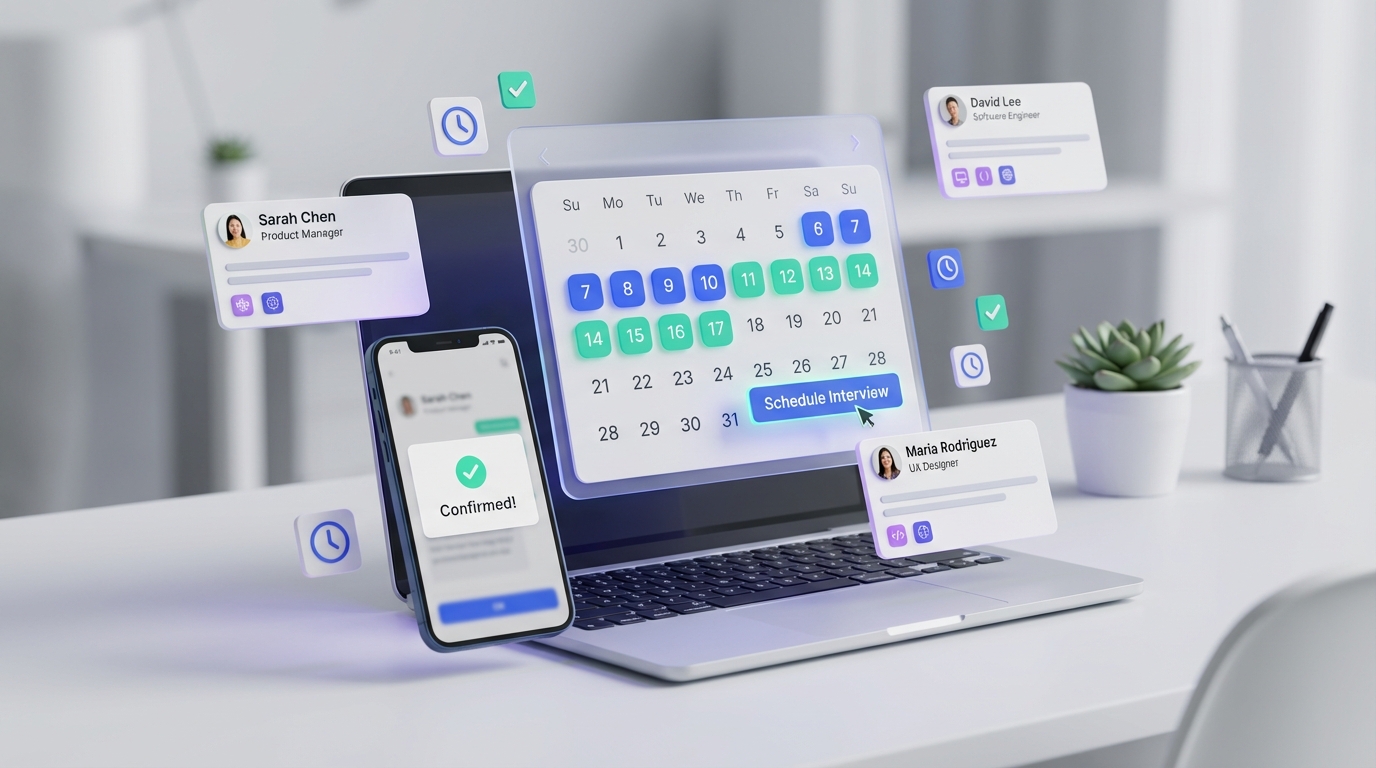
If you are coordinating an HR and Operations candidate referral, the most reliable interview scheduling app workflow is simple: confirm the role scope and work model, qualify availability, then send one scheduling link that enforces the right meeting length and interviewer rules. This avoids long message threads, reduces no shows, and keeps the candidate experience consistent. In this article, I rewrite a real referral style post into a repeatable process, including a template you can copy, plus a practical explanation of how to create an appointment scheduler for screening and hiring manager rounds. I also show where StrategyBrain AI Recruiter fits naturally, so scheduling happens after interest is confirmed through automated LinkedIn outreach and follow up.
Candidate snapshot you can schedule around
The source material is a personal recommendation of a candidate in the HR space. The author highlights energy, courage to act even with fear, and emotional honesty, which are practical traits for HR work with people. The candidate is looking for work in HR and Operations and is open to hybrid work in Wrocław or fully remote, with possible travel within Poland. Preferred cooperation models include B2B or UoP.
Areas the candidate works in
- Soft HR
- Support for hard HR
- Designing internal company processes
- Setting policies
- Implementing tools, regulations, and internal rules
- Managing budget and daily company operations
- Business support, including participation in strategy work
- Coordinating work across departments
- Monitoring and optimizing business processes
- Participating in conferences
What the candidate values in the next employer
- Varied responsibilities rather than a narrow task list
- Decision makers who support development and are open to suggestions
- A feedback culture where people can give and receive feedback
Why scheduling breaks in HR referrals
Referrals often fail at the scheduling stage, not because the candidate is weak, but because the process is unclear. When the hiring team does not define interview length, interviewers, or evaluation focus, the recruiter ends up negotiating every detail in messages. That is exactly where an interview scheduling app helps, because it turns informal coordination into a consistent system.
In my own recruiting operations work, the most common scheduling friction points are time zone confusion, unclear interview goals, and decision makers who block progress by delaying feedback. A scheduler cannot fix culture, but it can enforce structure so delays are visible and easier to address.
Key Takeaways
- Fastest workflow: Use an interview scheduling app with one link per stage and fixed durations, then confirm next steps in the invite.
- Best for referrals: Add a short intake checklist before you send any scheduling link, so the meeting has a clear purpose.
- How to create an appointment scheduler: Build separate event types for screening, hiring manager, and panel interviews, each with its own rules.
- Best schedule app free option: Start with a free tier scheduler for screening calls, then upgrade only if you need routing or team availability.
- Where StrategyBrain AI Recruiter fits: Automate LinkedIn outreach and follow up, then schedule only candidates who confirm interest and share contact details.
- Candidate experience: Clear work model options (hybrid Wrocław or remote) and contract options (B2B or UoP) should be stated before scheduling.
Method 1: Interview scheduling app flow for a referral (recommended)
This is the workflow I recommend when you personally vouch for a candidate and want to move quickly without losing professionalism. It keeps the original referral tone, but makes the process reproducible.
Steps
- Write a one paragraph role brief that matches the candidate’s scope, for example HR and Operations with process design, policy work, and budget ownership.
- Confirm constraints in one message: location model (hybrid Wrocław or remote), travel expectations (possible travel within Poland), and contract preference (B2B or UoP).
- Create one scheduling link for the first call with a fixed duration and a clear title, for example “HR and Operations intro call”.
- Set scheduling rules inside the interview scheduling app, including minimum notice time and buffer time between meetings.
- Send the link with context: what will be discussed, who joins, and what happens after the call.
- Collect feedback within 24 hours using a short scorecard so decision makers do not become a blocker.
Features to configure
- Fixed meeting length per stage
- Time zone detection and confirmation
- Buffer time between interviews
- Minimum notice window for same day scheduling
- Automatic calendar invites with agenda text
Limitations
- If the hiring team cannot agree on interview goals, the scheduler only makes the confusion faster.
- If interviewers do not keep calendars updated, availability will be inaccurate.
- If you need complex routing by role or location, free tiers may be too limited.
Best For
- Warm referrals where speed and clarity matter
- HR and Operations roles with cross functional stakeholders
- Teams that want consistent candidate communication
Method 2: How to create an appointment scheduler for multi stage interviews
If you are hiring for HR and Operations, you often need more than one conversation. The cleanest approach is to create separate event types, each mapped to a decision point. An appointment scheduler is the configuration of event types, rules, and notifications that turns scheduling into a system.
Steps
- Define stages: screening, hiring manager interview, and cross functional panel.
- Assign owners: who runs each stage and who must attend.
- Create event types in your scheduling tool, one per stage, with the correct duration and attendee rules.
- Add required questions for the booking form, for example preferred work model and contract type.
- Standardize the invite agenda so the candidate knows what to prepare.
- Set reminders to reduce no shows and to prompt interviewers to submit feedback.
Practical template you can copy
Screening invite agenda
- Role overview and expectations
- Candidate’s HR and Operations scope, including process work and operations ownership
- Work model confirmation: hybrid Wrocław or remote, plus travel within Poland if needed
- Contract preference: B2B or UoP
- Next step and timeline
Method 3: Best schedule app free approach for early screening
If you are trying to move fast and keep costs low, a free tier scheduling tool can be enough for the first call. The key is to keep the configuration minimal and avoid building a complex system before you validate demand.
Steps
- Create one event type for a 15 to 30 minute screening call.
- Offer limited time windows so you do not fragment your day.
- Use one booking question that matters most, for example “Are you open to hybrid in Wrocław or fully remote”.
- After the call, only then create the next stage scheduling link if the candidate proceeds.
Limitations
- Free tiers often lack team scheduling and routing
- Reporting and audit trails may be limited
- Advanced reminders and integrations may require paid plans
Where StrategyBrain AI Recruiter improves the scheduling step
Scheduling works best when it happens after interest is confirmed. This is where StrategyBrain AI Recruiter can reduce wasted scheduling effort. Instead of a recruiter manually connecting, introducing the opportunity, answering questions, and chasing follow ups, AI Recruiter can automate the early LinkedIn conversation, confirm interview interest, and collect résumés and contact details from candidates who want to proceed.
In practice, that means your interview scheduling app link goes only to candidates who have already engaged and said yes to an interview. It also helps when you recruit across time zones, because AI Recruiter supports 24/7 multilingual communication, which keeps the pipeline warm while your team is offline.
Scope boundaries
- AI Recruiter can confirm willingness to interview and collect details, but final qualification against job requirements still needs a recruiter review.
- Use scheduling automation to enforce structure, not to replace human judgment on fit and team dynamics.
Quick comparison
| Method | Speed to implement | Cost | Best for |
|---|---|---|---|
| Referral flow with an interview scheduling app | Same day | Varies by tool | Warm referrals and fast coordination |
| Create an appointment scheduler with multi stage event types | 1 to 2 days | Varies by tool | Structured hiring with multiple stakeholders |
| Best schedule app free setup for screening | Under 1 hour | Free tier | Early screening and low volume hiring |
| StrategyBrain AI Recruiter plus scheduling | Depends on LinkedIn setup | Varies by plan | Scaling outreach so scheduling is reserved for interested candidates |
FAQ
What is an interview scheduling app in recruiting terms?
An interview scheduling app is a tool that lets candidates book interview times based on interviewer availability, with automatic calendar invites and reminders. In recruiting operations, it reduces back and forth coordination and standardizes the candidate experience.
How do I create an appointment scheduler for HR and Operations roles?
Create separate event types for each stage, set fixed durations, and add booking questions that confirm work model and contract preference. Then standardize the invite agenda so every interviewer evaluates the same themes.
Is a best schedule app free plan enough for hiring?
A free plan is often enough for screening calls and low volume hiring. If you need team scheduling, routing, or reporting, you will usually need a paid plan.
How does StrategyBrain AI Recruiter change the scheduling workflow?
StrategyBrain AI Recruiter automates early LinkedIn outreach and follow up, confirms interview interest, and collects résumés and contact details. As a result, you send scheduling links only to candidates who have already engaged and want to proceed.
What should I include in the scheduling message for a referral?
Include the role scope, interview purpose, who will attend, and what happens next. For this candidate profile, also confirm hybrid Wrocław or remote options, possible travel within Poland, and B2B or UoP preference before booking.
What if decision makers delay feedback after interviews?
Use a short scorecard and set a feedback deadline, such as within 24 hours, so delays are visible. Scheduling tools can send reminders, but you still need process ownership to prevent blocking behavior.
Does AI Recruiter replace recruiter qualification?
No. AI Recruiter can identify willingness to interview and collect information, but it does not decide whether a résumé matches job requirements. A recruiter should review the résumé and make the final qualification decision.
How do I keep the candidate experience human when using automation?
Use automation for consistency and speed, but keep your messages clear and respectful, and be transparent about next steps. For HR roles especially, the tone and feedback culture you show during scheduling signals what working with your team will feel like.
Conclusion and next steps
The fastest way to run a referral process is to use an interview scheduling app with clear stages, fixed durations, and a consistent invite agenda. If you want a repeatable system, define stages and build an appointment scheduler with separate event types and booking questions. If you want to reduce wasted scheduling, pair that structure with StrategyBrain AI Recruiter so LinkedIn outreach and follow up confirm interest before you send any scheduling link.
Next step: copy the screening agenda template above, create your first event type, and standardize feedback collection so decisions do not stall.