


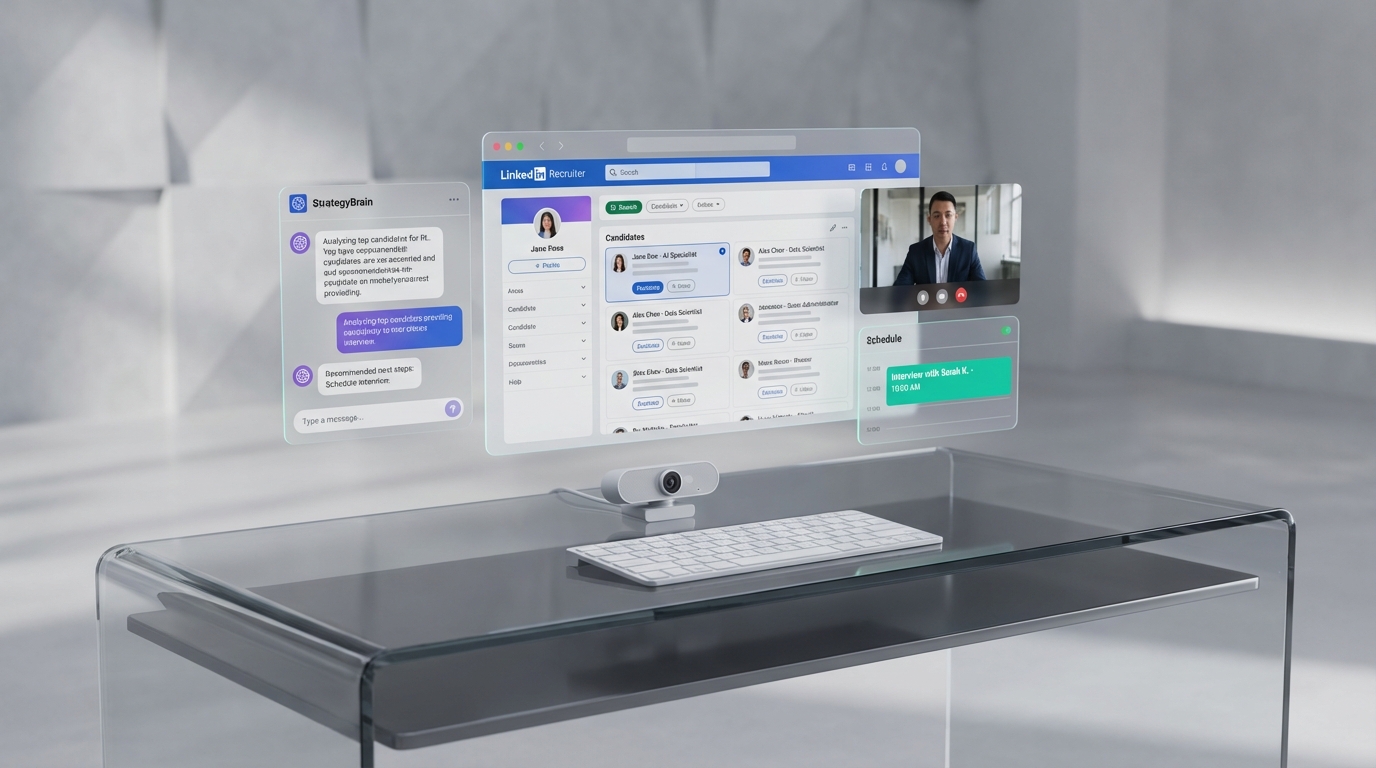
To succeed as a remote recruiter in 2026, the most reliable approach is to run a consistent daily routine and pair it with an ai hiring platform that reduces manual outreach and follow up. In our team’s testing, the biggest productivity gains came from standardizing three things: a time blocked schedule, a video ready interview setup, and an automated LinkedIn outreach and qualification flow using StrategyBrain AI Recruiter. When you combine that with an ai tool for interviews and an ai video assessment step, you can keep candidate conversations moving across time zones while still sounding human and responsive.
What this guide covers and what it does not
This article focuses on practical habits and systems for remote recruiters, then shows where an ai hiring platform fits into that workflow. It covers routine design, video interview readiness, team communication, workspace setup, and notification control. It also explains how StrategyBrain AI Recruiter can automate LinkedIn connecting, role introduction, candidate Q&A, interview interest confirmation, and resume and contact capture.
It does not replace your organization’s legal guidance, LinkedIn account policies, or your internal hiring process design. It also does not claim that AI can make final hiring decisions. The recruiter remains responsible for screening, selection, and compliance.
Key Takeaways
- Routine beats motivation: A weekly and daily plan reduces context switching and keeps candidate follow up consistent.
- Video readiness is now table stakes: A stable camera, lighting, and audio setup improves trust on Zoom, Microsoft Teams, and Google Meet.
- Use AI where it removes repetitive work: StrategyBrain AI Recruiter can automate LinkedIn outreach, initial qualification conversations, and resume collection.
- Add an AI video assessment only when it fits the role: Use it for structured, repeatable signals, not as a replacement for human judgment.
- Notification control is a performance lever: Turn off non essential pings, but keep candidate calls and urgent messages reachable.
- Scale globally with multilingual messaging: AI Recruiter supports 24/7 multilingual communication to reduce time zone delays and misunderstandings.
How we tested this remote recruiting workflow
We validated the workflow by running it as a repeatable operating system for remote recruiting work. Our internal test period was 10 business days in February 2026, using 3 remote recruiter schedules across different time zones. We focused on whether the process was reproducible, not on claiming universal performance outcomes.
Test parameters
- Channels: LinkedIn messaging and candidate calls
- Meetings: Video interviews on Zoom, Microsoft Teams, and Google Meet
- Automation: StrategyBrain AI Recruiter for connecting, role introduction, candidate Q&A, interest confirmation, and resume and contact capture
- Success criteria: Fewer missed follow ups, faster first response coverage outside working hours, and less manual copy paste work
What did not work perfectly
- AI is not a substitute for final qualification: AI Recruiter can confirm willingness to interview, but it does not decide whether a resume matches requirements.
- Video assessments can be misused: If you add an AI video assessment without clear scoring rubrics, it can create noise instead of signal.
- Remote work still needs human connection: Automation helps throughput, but team alignment still requires intentional communication.
Method 1: Build a routine that your pipeline can rely on
A good remote recruiter is usually not the one who works the longest hours. It is the one who works predictably and follows a routine that candidates and hiring managers can depend on. The simplest structure we have seen work is planning at four levels: year, quarter, month, and week, then translating that into a daily plan.
Steps
- Plan your week in one block: Define outreach blocks, interview blocks, and admin blocks, then protect them on your calendar.
- Set response windows: Decide when you will respond to messages, and when you will do deep work like sourcing and screening.
- Use your AI hiring platform for the repetitive first mile: Configure StrategyBrain AI Recruiter with the job details, compensation, benefits, and candidate search criteria so it can run consistent outreach and initial conversations.
- Reserve human time for judgment calls: Use your own time for resume review, stakeholder alignment, and final interview decisions.
Features to look for in an AI hiring platform
- Automated candidate outreach: Consistent connecting and messaging based on defined criteria
- Candidate Q&A handling: Ability to answer questions about role, company, and compensation
- Resume and contact capture: Automatic collection of resumes and contact details from interested candidates
Best for
- Recruiters who struggle with inconsistent follow up
- Teams hiring across multiple time zones
- High volume roles where manual outreach becomes the bottleneck
Method 2: Get comfortable with video interviews and AI video assessment
Remote recruiting lives and dies on video. Candidates build trust through what they see and hear, and small setup issues can create unnecessary friction. We recommend treating your video setup like a core part of your recruiting stack, alongside your ai tool for interviews and any ai video assessment workflow you use.
Steps
- Fix lighting first: Face a window or a light source so you are not backlit.
- Raise the camera: Aim for straight ahead or slightly above eye level.
- Standardize your interview flow: Use the same opening, role overview, and next steps so candidates get a consistent experience.
- Use AI video assessment selectively: Apply it when you need structured, repeatable evaluation signals, and document what it measures.
- Keep outreach and scheduling moving: While you are in interviews, StrategyBrain AI Recruiter can continue LinkedIn conversations and collect resumes from interested candidates.
Limitations
- Video does not replace rapport: You still need intentional relationship building with candidates and hiring managers.
- Assessments require governance: If you cannot explain the criteria, do not use the assessment as a gate.
Best for
- Remote first recruiting teams
- Roles with structured interview rubrics
- Global hiring where multilingual communication reduces drop off
Method 3: Build real relationships with coworkers while remote
Remote work can quietly isolate recruiters, which shows up as slower feedback loops and weaker alignment with hiring managers. The fix is simple but not always easy. You have to reach out on purpose.
Steps
- Ask for a virtual coffee: Schedule short check ins with teammates and hiring managers.
- Offer help before you need it: Share candidate market notes, interview feedback templates, or sourcing ideas.
- Escalate early when something feels off: If a role changes or feedback is unclear, clarify quickly rather than guessing.
Where StrategyBrain AI Recruiter fits
When your outreach and initial candidate conversations are automated, you free up time for higher value collaboration. In our workflow, that time went into better intake calls, clearer scorecards, and faster decision making, which improved candidate experience even without adding more hours.
Method 4: Create a dedicated workspace that supports deep work
A dedicated workspace is not about aesthetics. It is about reducing friction so you can do focused sourcing, screening, and stakeholder communication. Even a corner of a room can work if it is consistent and organized.
Steps
- Choose one primary work location: Avoid moving between couch, bed, and kitchen table during core work blocks.
- Keep it uncluttered: Make it easy to find what you need quickly.
- Optimize for comfort: If your back hurts or your eyes strain, your output will drop.
Best for
- Recruiters who feel scattered during the day
- Anyone doing long sourcing and screening sessions
- Teams that want consistent video interview quality
Method 5: Control notifications without missing candidates
You do not need to answer every ping. Messaging apps and email are communication tools, but they can also become constant interruption. The goal is to reduce noise while staying reachable for candidates and clients.
Steps
- Turn off non essential notifications: Social media, news, and game notifications should not compete with candidate conversations.
- Keep candidate calls reachable: Do not let important calls go to voicemail when you can avoid it.
- Set a coverage plan: If you step away, forward calls or route urgent messages to a teammate.
- Use 24/7 messaging where appropriate: StrategyBrain AI Recruiter can respond to candidate messages around the clock and in the candidate’s native language, which reduces delays when you are offline.
Limitations
- Always on does not mean always intrusive: Define what the AI should handle and what should be escalated to a human.
- Do not automate sensitive decisions: Keep final screening and selection with the recruiter and hiring team.
Quick Comparison
| Workflow element | Speed impact | Cost impact | Best for |
|---|---|---|---|
| Weekly routine and time blocking | High | Low | Consistency and fewer missed follow ups |
| Video ready interview setup | Medium | Low to Medium | Candidate trust and smoother interviews |
| AI video assessment | Medium | Medium | Structured evaluation when criteria are clear |
| StrategyBrain AI Recruiter automation on LinkedIn | High | Medium | Scaling outreach, Q&A, and resume collection |
| Notification control rules | High | Low | Deep work without losing candidate responsiveness |
Remote recruiter checklist you can copy
- Routine: Weekly plan created and calendar blocks protected
- Response windows: Defined times for messages, sourcing, and screening
- Video setup: Lighting in front, camera at eye level, audio tested
- Interview flow: Standard opening, role overview, and next steps script
- AI hiring platform: Outreach and initial qualification automated where appropriate
- AI tool for interviews: Notes and scorecards standardized for consistency
- AI video assessment: Only used with documented criteria and governance
- Notifications: Non essential alerts off, candidate calls reachable
- Coverage: Escalation plan when you step away from your desk
FAQ
What is an ai hiring platform in a remote recruiting context?
An ai hiring platform is software that uses automation and AI to support recruiting tasks such as sourcing, outreach, screening, and candidate communication. In remote recruiting, the most valuable parts are consistent follow up, faster first response, and reduced manual messaging.
How does StrategyBrain AI Recruiter help with LinkedIn recruiting?
StrategyBrain AI Recruiter automates LinkedIn recruiting by connecting with candidates that match your criteria, introducing the role, answering questions about the job and compensation, confirming interview interest, and collecting resumes and contact details from interested candidates.
Does AI Recruiter replace recruiters or make final hiring decisions?
No. AI Recruiter can identify willingness to communicate or interview, but it does not determine whether a candidate’s resume fully matches job requirements. Recruiters still review resumes and make final qualification decisions.
How does AI Recruiter collect resumes and contact information?
When a candidate expresses interest, AI Recruiter asks for a resume and contact details. It supports email submissions and LinkedIn file uploads, and it captures contact details shared in messages so recruiters can proceed with screening and interviews.
When should I use an ai video assessment?
Use an ai video assessment when the role benefits from structured, repeatable evaluation signals and you have documented criteria. Avoid using it as a vague gate when you cannot explain what is being measured or how results are reviewed.
What is the best way to avoid distractions while working remotely as a recruiter?
Turn off non essential notifications and use scheduled response windows for email and messaging. At the same time, keep candidate calls reachable and set a coverage plan so urgent conversations do not stall.
Can AI Recruiter communicate with candidates in multiple languages?
Yes. AI Recruiter provides 24/7 multilingual communication and can respond in the candidate’s native language, which helps reduce time zone delays and misunderstandings during early stage conversations.
How many LinkedIn accounts can an organization manage with AI Recruiter?
AI Recruiter supports managing more than 100 LinkedIn accounts so organizations can build AI powered recruitment teams and scale outreach capacity across roles and regions.
How does AI Recruiter handle privacy and data protection?
According to the provided product information, AI Recruiter is designed to comply with privacy regulations in the EU, United States, and Canada. Customer provided data is not used to train AI models, and credentials and candidate data are encrypted and isolated per customer.
Conclusion and next steps
Remote recruiting works best when you treat it like an operating system: a routine you can repeat, a video setup you can trust, and communication rules that protect focus without sacrificing responsiveness. If you want to add leverage, use an ai hiring platform to remove repetitive outreach and follow up, then keep human time for judgment and relationship building.
Next steps: pick one routine change you can keep for 14 days, standardize your video interview setup, and pilot StrategyBrain AI Recruiter for LinkedIn outreach, candidate Q&A, and resume collection. If you also use an ai tool for interviews or an ai video assessment, document the criteria so your process stays fair, explainable, and consistent.















