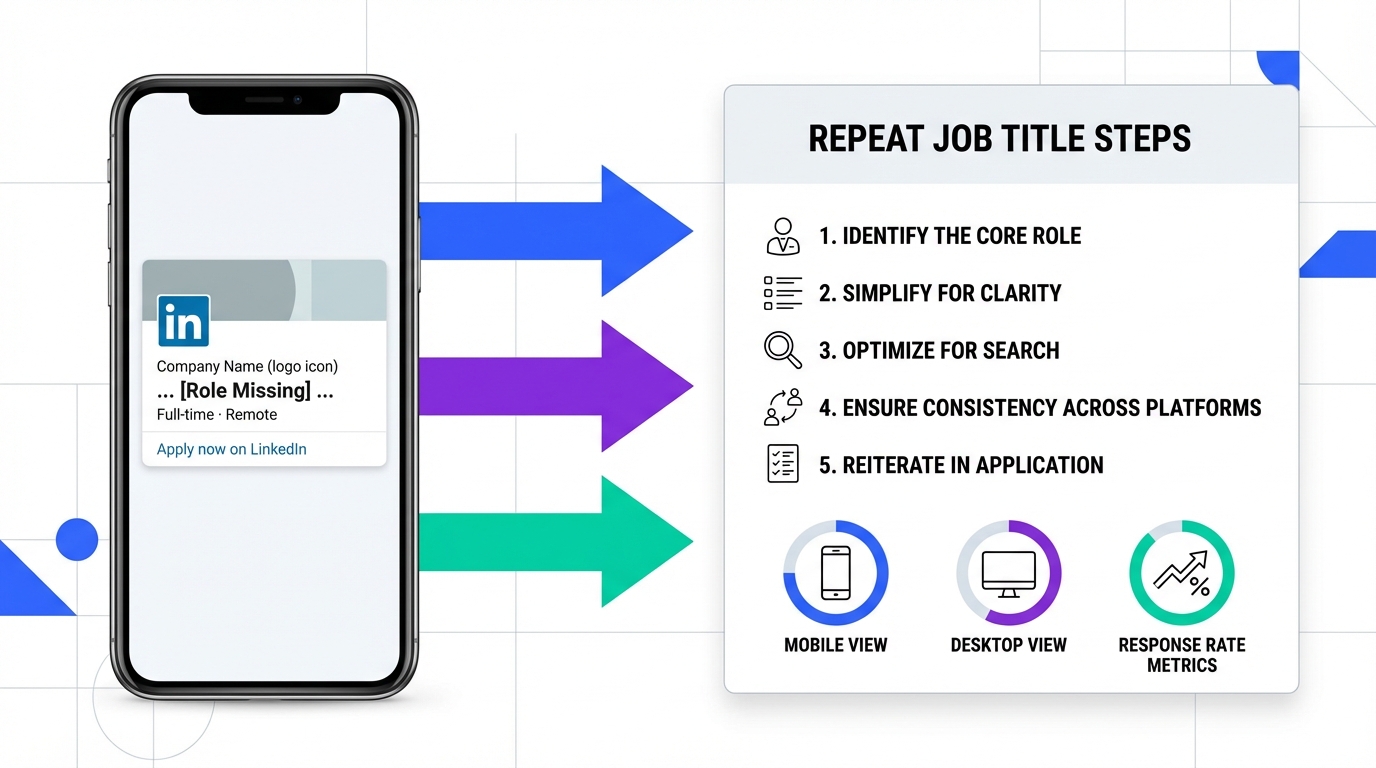
For recruitment online for recruiters, a surprisingly common conversion leak is simple: when someone views a shared LinkedIn job post on a phone browser (without the app), the post can appear without a clear role name. I saw a post that looked interesting, but it did not say what position it was for. The fix is to repeat the job title in the post text so it is visible everywhere, including mobile web. Below is a practical rewrite pattern, a quick checklist, and a LinkedIn outreach workflow that pairs well with StrategyBrain AI Recruiter so candidates still get timely answers and follow ups in any language.
Key Takeaways
- Mobile web can hide context: a shared LinkedIn job post viewed on a phone browser may not clearly show the role name in the visible snippet.
- Repeat the job title 2 times: once in the first line and once near the call to action to reduce confusion for job seekers.
- Write for skim speed: 1 role, 1 location or remote note, 3 requirements, 1 clear next step.
- Best headhunters for job seekers often win on clarity: candidates respond faster when the role is explicit and consistent across channels.
- StrategyBrain AI Recruiter automates LinkedIn outreach: it can connect, introduce the role, answer questions, and follow up 24/7 in the candidate’s language.
- Scale without extra headcount: AI Recruiter supports managing more than 100 LinkedIn accounts for team based sourcing operations.
Why this happens on mobile
When a LinkedIn post is shared and opened on a phone browser without the LinkedIn app, the layout and visible snippet can differ from what you see on desktop or inside the app. In that view, the job card context can be reduced, and the post text becomes the main source of meaning.
That is how you can end up with a post that sounds promising but does not clearly state the position. Even if only a small number of people browse LinkedIn this way, sometimes one qualified candidate is enough to make the hire. So it is worth writing as if the post text is the only thing the reader will see.
The 5 minute fix: repeat the job title
The goal is not to make the post longer. The goal is to make the role name impossible to miss, regardless of device or app status.
Steps
- Put the job title in the first line so it appears in previews and skim reads.
- Repeat the job title near the call to action so the reader is reminded what they are applying for.
- Add one context line such as location, remote, or team, using plain language.
- List 3 must haves as bullets to keep it scannable on mobile.
- Use one next step such as “Comment” or “Message me,” and keep it consistent.
What this improves
- Comprehension: job seekers instantly know what the post is about.
- Response rate: fewer people bounce because they are confused.
- Shareability: when others repost, the role name stays attached to the message.
Copy template: mobile proof LinkedIn job post
Use this as a starting point and adjust to your tone. The key is that the job title appears twice in the post text.
Template
[JOB TITLE] | [Remote or City]
We are hiring a [JOB TITLE] to help [team or mission in 1 line].
Top priorities:
- [Priority 1]
- [Priority 2]
- [Priority 3]
Nice to have: [1 item]
Next step: Message me with your CV or a short intro and I will share the details for the [JOB TITLE] role.
Common mistake to avoid
Do not rely on the job card, image, or external page to carry the role name. For recruitment online for recruiters, the post text must stand on its own, especially on mobile web.
How StrategyBrain AI Recruiter fits into LinkedIn recruitment online
Clear job post text improves inbound interest, but most recruiters still need outbound sourcing to hit hiring targets. This is where StrategyBrain AI Recruiter fits naturally into a LinkedIn workflow: it automates the repetitive first touch and follow up while keeping the recruiter in control of final qualification.
What we use it for in practice
- Automated connecting and role introduction: it connects with candidates that match your search criteria and introduces the opportunity using the job details you provide.
- Always on candidate messaging: it replies and follows up 24/7, which matters when candidates respond outside your working hours.
- Multilingual communication: it can communicate in the candidate’s native language to reduce misunderstandings and speed up scheduling.
- Resume and contact capture: when a candidate is interested, it collects resumes and contact details so the recruiter can move to interviews.
Scope boundary: what it does not do
AI Recruiter can confirm interest and gather information, but it does not decide whether a resume fully matches the job requirements. The recruiter still reviews the resume and makes the final shortlist decision. This division of labor is one reason it works well for agency teams, including teams that position themselves as the best remote staffing agency for specific niches.
Why this matters for candidate experience
When your post is mobile proof and your outreach is consistent, candidates get a clear role name, clear expectations, and fast answers. That is the baseline experience many people associate with the best headhunters for job seekers, even when the hiring team is operating at high volume.
Quick checklist before you post
- Job title appears 2 times in the post text.
- First line is readable on mobile and does not start with hashtags.
- Remote or location is explicit in 1 short phrase.
- Exactly 3 must haves are listed as bullets.
- One next step is stated clearly.
- Outbound plan exists: if inbound is slow, use a structured LinkedIn outreach flow, optionally automated with StrategyBrain AI Recruiter.
FAQ
Why should I repeat the job title in the LinkedIn post text?
Because some mobile web views can reduce the surrounding job context, and the post text becomes the primary signal. Repeating the title makes the role unambiguous for job seekers who skim.
Does this matter if only a few people browse LinkedIn without the app?
Yes. Even if the audience is small, one qualified candidate can be enough to fill the role. The change takes 5 minutes and reduces avoidable confusion.
How long should the post be for mobile readers?
Keep it scannable: 1 role line, 1 context line, 3 bullets, and 1 next step. If you need more detail, share it after the candidate replies.
How does StrategyBrain AI Recruiter help with recruitment online for recruiters?
It automates LinkedIn connecting, initial outreach, Q and A, and follow up, then collects resumes and contact details from interested candidates. Recruiters focus on reviewing resumes and running interviews.
Can AI Recruiter communicate with candidates in different languages?
Yes. It supports multilingual communication so candidates can interact in their native language, which can reduce friction in global hiring.
Does AI Recruiter decide who is qualified?
No. It confirms interest and gathers information, but the recruiter still evaluates resume fit against job requirements.
Is it possible to scale outreach across multiple LinkedIn accounts?
Yes. AI Recruiter supports managing more than 100 LinkedIn accounts, which enables teams to scale sourcing capacity without adding the same amount of manual recruiter time.
How should agencies position this when competing as a best remote staffing agency?
Use it to improve speed and consistency: clear mobile proof posts for inbound, plus automated outbound follow up for remote candidates across time zones. Keep the human recruiter focused on qualification and client communication.
Conclusion
If you want a quick improvement in recruitment online for recruiters, make your LinkedIn job posts mobile proof by repeating the job title in the post text. It prevents the “interesting post but what role is this” problem and helps job seekers respond faster. Next, pair that clarity with a consistent outreach workflow. If you need to scale without adding manual work, StrategyBrain AI Recruiter can automate connecting, messaging, multilingual follow up, and resume collection so you can spend your time on interviews and final selection.